
Going from surviving to thriving.
I’ve had my own website since 2008 (long story, not relevant here). It was compromised in 2009. I was away from home, and while I had backups, there was no way I could get to them. It taught me a few things though: the compromise was completely my fault, so my website had to survive the human element.
In some ways, it led to my career in cybersecurity. It taught me to listen to what was going on in the world in this regard, and to be professional and intentional in my actions if it was for personal use. It’s also allowed me to recover from three attacks against my personal web site.
I’m sharing with you what I now do, and how I got there. But to summarise, my defence in depth is:
- Firewall zoning: only letting legitimate traffic through.
- FireHOL level1: blocks entire known-bad netblocks at firewalld, never reaches the webservers – I have seven, don’t ask, some proxying others.
Also protects the other end points: secure shell, VNC. - Web application firewall: CrowdSec community + third-party blocklists, pre-emptive IP bans from collective intelligence
- samj/ban-browserless — catches browserless scrapers on first hit
- samj/path-throttle — catches aggressive crawlers even with a UA
- CrowdSec built-in scenarios — SSH brute force, CVE probing, bad user agents etc.
- My webserver’s security modules.
- Backups. Always take backups. We’re talking about “business continuity” here, so things can happen and you need a safe place to get back to.
Each of these has a dedicated purpose. Each is simple to set up initially, the tuning can be finicky. Claude and Gemini can be your friends here, as can the community sites.
Let’s look at what each one does and some tools that can help you. My server is a linux one (what are clouds made of? Linux servers mostly!). Windows and Mac often have ports of these tools.
Firewall zoning.
This looks like gobbledygook when you first see it, and in some ways it is. There’s a lot of jargon for some simple ideas that are really powerful when used well.
My server has a “software firewall” running on it. If you use PCs, this is what Windows Defender is. In linux, there are two common ones in use: ufw and firewall-cmd.
Each of these allow you to specify rules. The rules I have on mine allow services in and out depending on the zone (or area) the traffic is coming from or going to.
I run various tools: webservers, webservices (subtly different), remote access, etc.
But I also want to allow my machines to receive mail messages, chats, and web traffic in general. So, the firewall not only allows information to be requested and sent, but make requests and receive traffic. We call this one way traffic (in or out) or bidirectional (both in and out).
Every server is unique and you should sit down and think about what you need or are trying to achieve. What are you sharing and what are you protecting? What is shared with the world or with your family and friends or with no-one?
FireHOL level1.
The next part of this software firewall is white listing and black listing. Believe it or not, there are “black lists” available out there which hold the IP addresses of the bad actors.
That’s a big statement, let’s break it down. An IP address is the location of a machine on the internet. Every machine has a unique address, and there are families of addresses, called subnets. A “bad actor” is a person or programme that is trying to perform a cyber attack. We don’t tend to use the term hacker in the community because we all creatively find solutions – some are for good purposes, some for bad. “Bad actor” says what the aim of that individual is.
This was one of the first things I ever did for my server. I formed a “black list” from the people who were trying to break into my machine. Now-a-days, I download a published list from https://iplists.firehol.org/files/firehol_level1.netset, hence the name of this section!
This forms a “drop list”, when a machine (it could be a person or a programme) talks to my server, if their IP address is in the drop list, their connection is dropped. They can’t do anything more than ask “can I connect” and be told “no”.
I automate the application of updates to this list.
Web application firewall aka WAF.
OK, there are a few ways to do this, and many people choose tools like https://dash.cloudflare.com/ to protect their websites – these often do more besides, and as a beginner, I would recommend them.
I choose not to do that, using https://app.crowdsec.net/ running on my machine.
Either option gives you protection over what anyone, anywhere, is allowed to do on your website and what they can’t do.
This is limited to website traffic. Very powerful tools, very complicated, but can protect your site from being downloaded on to someone else’s machine and used for their purposes.
WAF form their own “drop lists”, so if an IP address has been compromised and an automated programme (a “bot”) is trying to cause mischief, the WAF will block them.
The webserver’s security modules.
Webservers often have security modules and “hardening techniques”. Hardening techniques are setting things up in the most secure but accessible way possible.
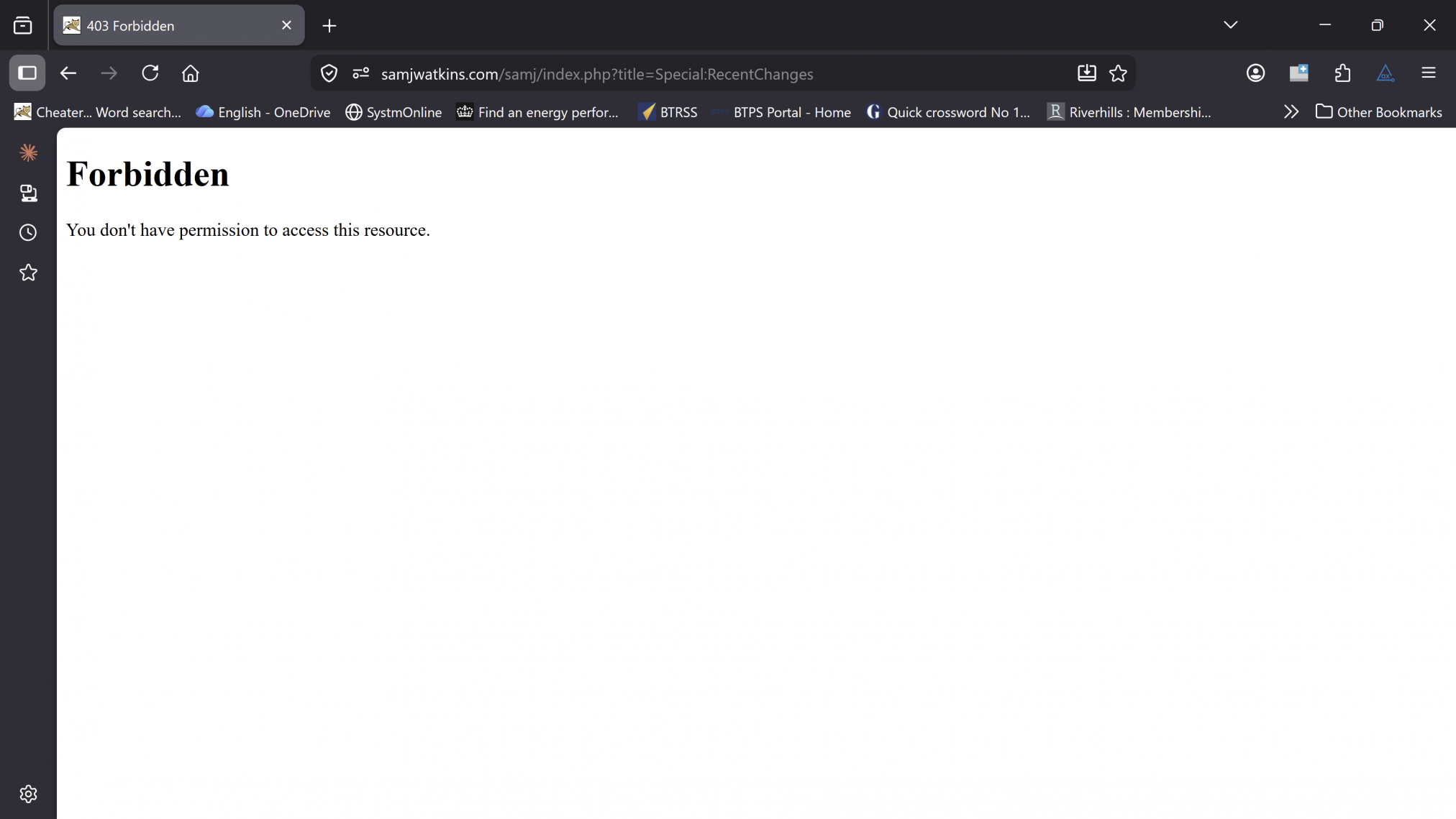
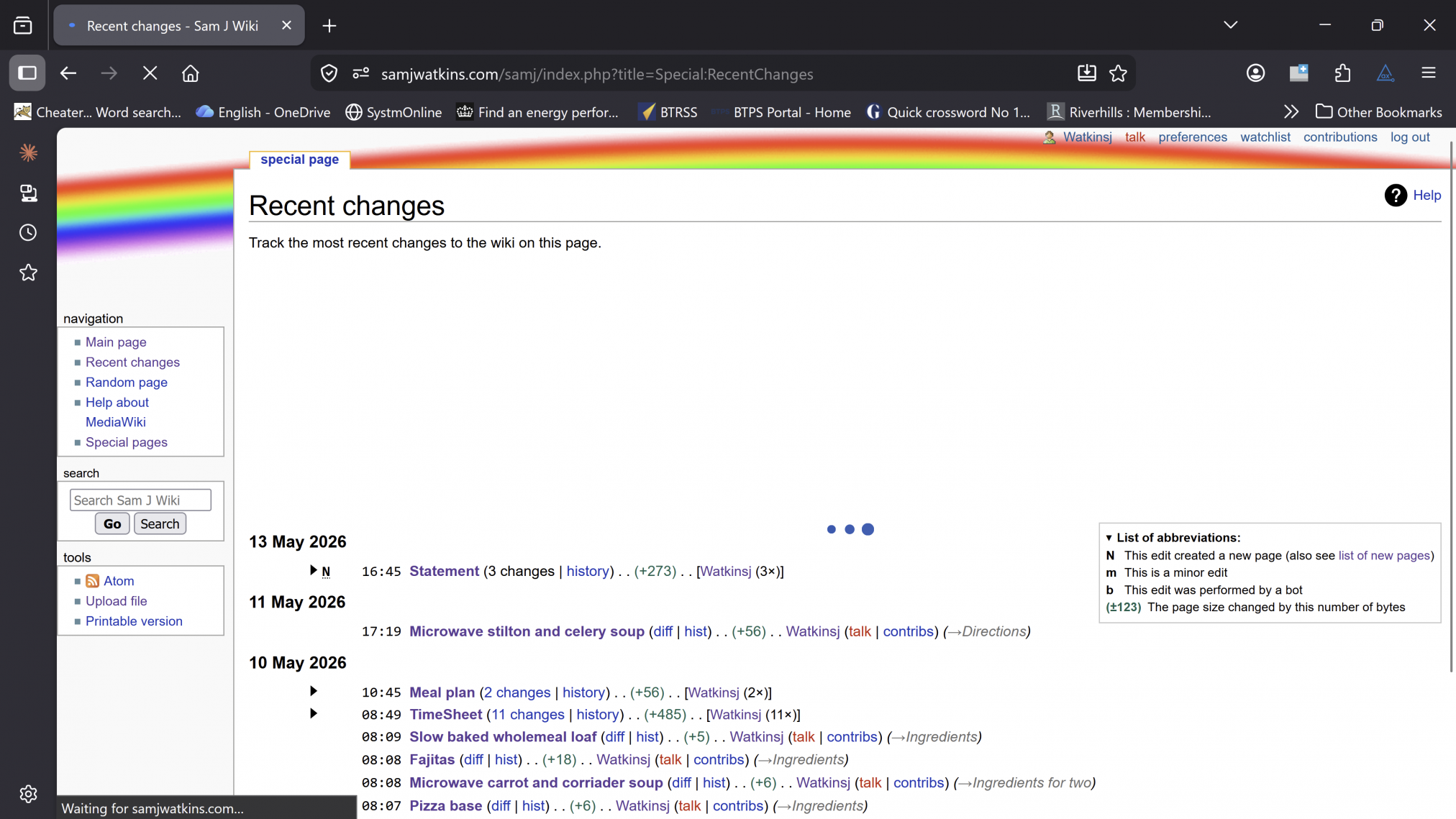
In my case, I only let some functions of my wiki and this blog be available to registered users who have logged in.
If you are trying to do something you are not allowed to:
But a user who has logged in can.
Backups.
Active defence is ideal, but do not rely on it. A power cut could render the disks on your server unusable: I had this happen to me today, which prompted this blog.
Thanks to my backup I was able to recover the site in less than 20 minutes. I have some offline and some online, the offline ones protect against a ransomware attack.
Or if the powercut rendered all the disks in my server unusable, the offline backup means I can quickly launch a new server with most of the work retained.
There are two approaches to backups:
- Total: application, its configuration, and its data.
- Data and configuration only.
Data and configuration can mean a new install of an application or service takes 10 minutes, but you have a full service available.
A total can be as little as 2 minutes – depending on how big it is – once you have a working machine.
If you do nothing else, do backups! Test them regularly – are they doing what you need them to and allowing you to recover your service as quickly as possible?
A closing note
There’s so much here I haven’t spoken about. Operating system, application, and service hardening, virus checkers, security policies, user management, zero trust…
But this is a good starting point to, hopefully, whet your appetite for exploring those subjects.
Wait a sec, you spoke about three attacks on your home web site? What happened?
First one in 2009, I left open a priviledged ssh access with a weak password. Someone got in and deleted all the files making up my website. They couldn’t do anything else because I have always performed zero trust policies on my server, something you get for free in linux. Backups allowed me to restore everything, but first I removed the account, ensured people needed a certificate to get into any account, and put in a zoned firewall with intelligent blocking. If you kept trying to get into my machine with ssh and kept failing, your ip address was blocked. I still get 6,000 odd tries a day, but without a key against an accessible user, you are not getting in. The router firewall also protects by shielding probes against all the machines in our network.
Second attack was on the 16th March, a distributed denial of service one: multiple bots were trying to access my site at once. I tightened up my web server’s security module definitions. Service was resumed.
Third one was the 13th May, another denial of service attack with more than a 1,000 hits per second. This is when I brought in the WAF. I am still being hit that hard, but the WAF means it doesn’t hurt my server.
The subjects we’ve explored in this post are all the things I have had to do to secure my site. I hope they help you secure yours.
Posted: July 4th, 2026 under 42, Work.
Tags: backups, beginner friendly, CrowdSec, cybersecurity, DDoS, defence in depth, digital resilience, FireHOL, firewall, home server, lessons learned, Linux, online safety, personal experience, personal website, self-hosting, server security, WAF